Step 2: Payment & Plans
Step 2: Payment & Plans
In this step, you'll select a subscription plan and set up payment.
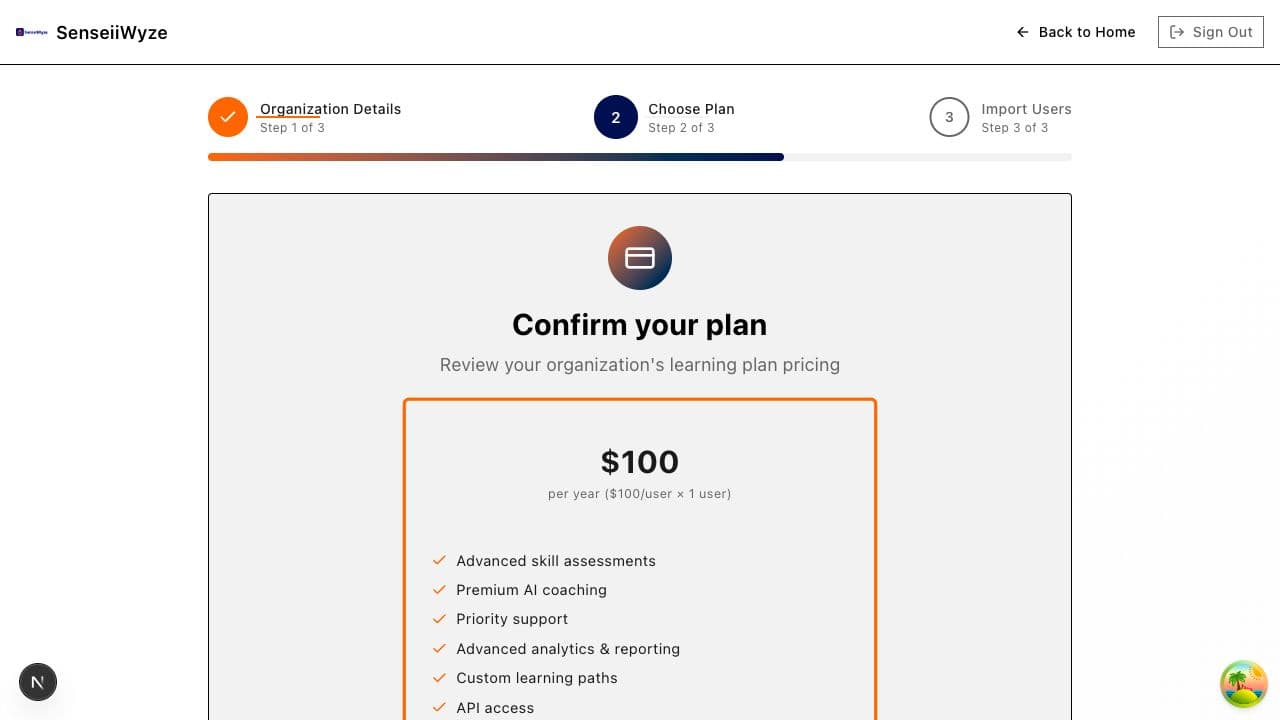
Available Plans
| Feature | Starter | Professional | Enterprise |
|---|---|---|---|
| Users | Up to 10 | Up to 100 | Unlimited |
| Analytics | Basic | Advanced | Custom |
| Support | Priority | Dedicated | |
| Integrations | Limited | Full | Custom |
See Plans & Pricing for a detailed comparison.
Selecting Your Plan
- Review the available plans
- Consider your team size and needs
- Click Select on your chosen plan
- Choose the number of seats (user licenses)
Understanding Seats
A seat is a user license. Each team member needs one seat.
- Used seats: Active and invited users
- Available seats: Remaining licenses on your plan
- You can always add more seats later
Example: If you select 25 seats on the Professional plan, you can have up to 25 users in your organization.
Payment Options
Credit Card Payment
- Enter your card details
- Confirm billing information
- Payment is processed immediately
- You'll receive a receipt via email
Supported cards:
- Visa
- Mastercard
- American Express
- Discover
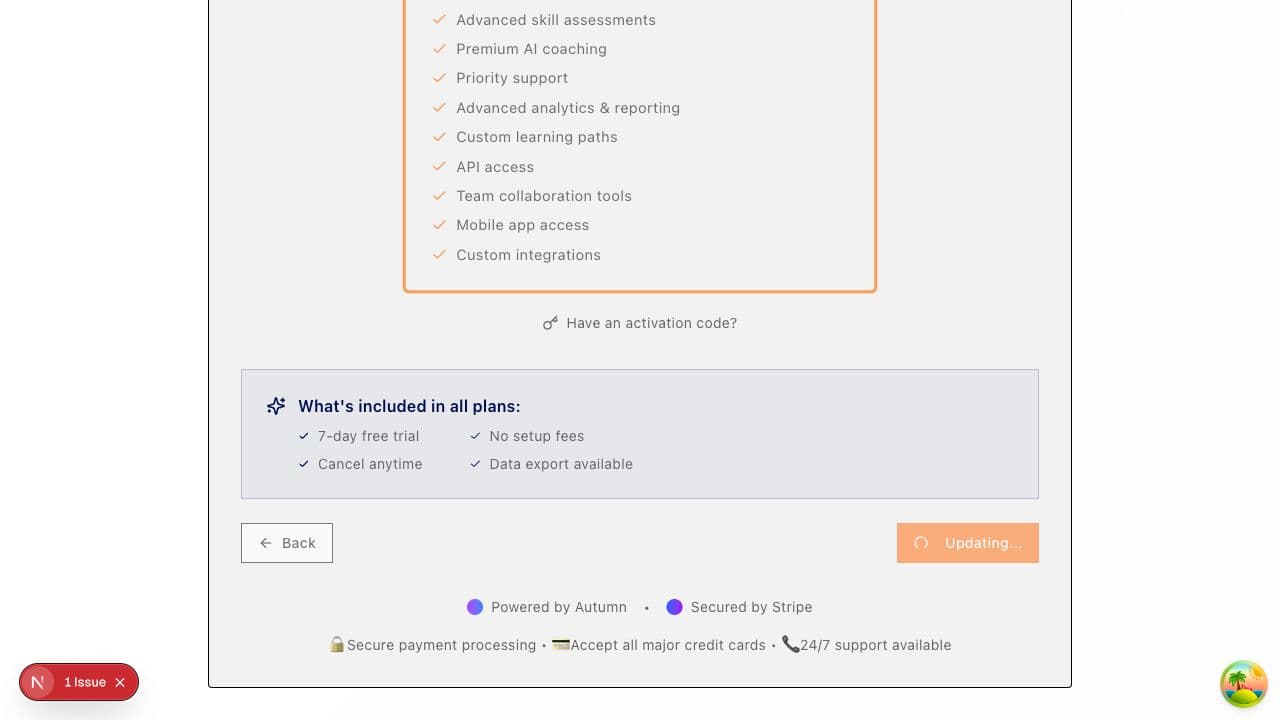
Activation Code
If your organization uses activation codes instead of credit cards:
- Click Have an activation code?
- Enter your code
- Your plan will be activated without payment
See Activation Codes for more details.
Billing Cycle
- Plans are billed monthly or annually
- Annual plans include a discount
- Your billing cycle starts on the day you subscribe
What Happens After Payment
Once payment is successful:
- Your subscription is activated
- You'll receive a confirmation email
- You can proceed to Step 3: Import Users
- All plan features are immediately available
Upgrading or Downgrading
You can change your plan at any time after onboarding:
- Go to Settings > Billing
- Click Change Plan
- Select your new plan
- Changes take effect on your next billing cycle
Common Questions
Can I try before I buy? Contact sales for trial options at sales@senseiiwyze.com.
What if my payment fails? Check your card details and try again. Contact your bank if the issue persists.
Is my payment information secure? Yes, we use industry-standard encryption and never store full card details.
Can I get a refund? See our refund policy in the Terms of Service.
Need Help?
- Contact billing support: billing@senseiiwyze.com
- Call us: 313-444-4885 (Mon-Fri, 9 AM - 5 PM EST)
- Enterprise inquiries: sales@senseiiwyze.com