Getting Started
Creating Your Account
Creating Your Account
Getting started with SenseiiWyze is quick and easy. There are two ways to create an account depending on your situation.
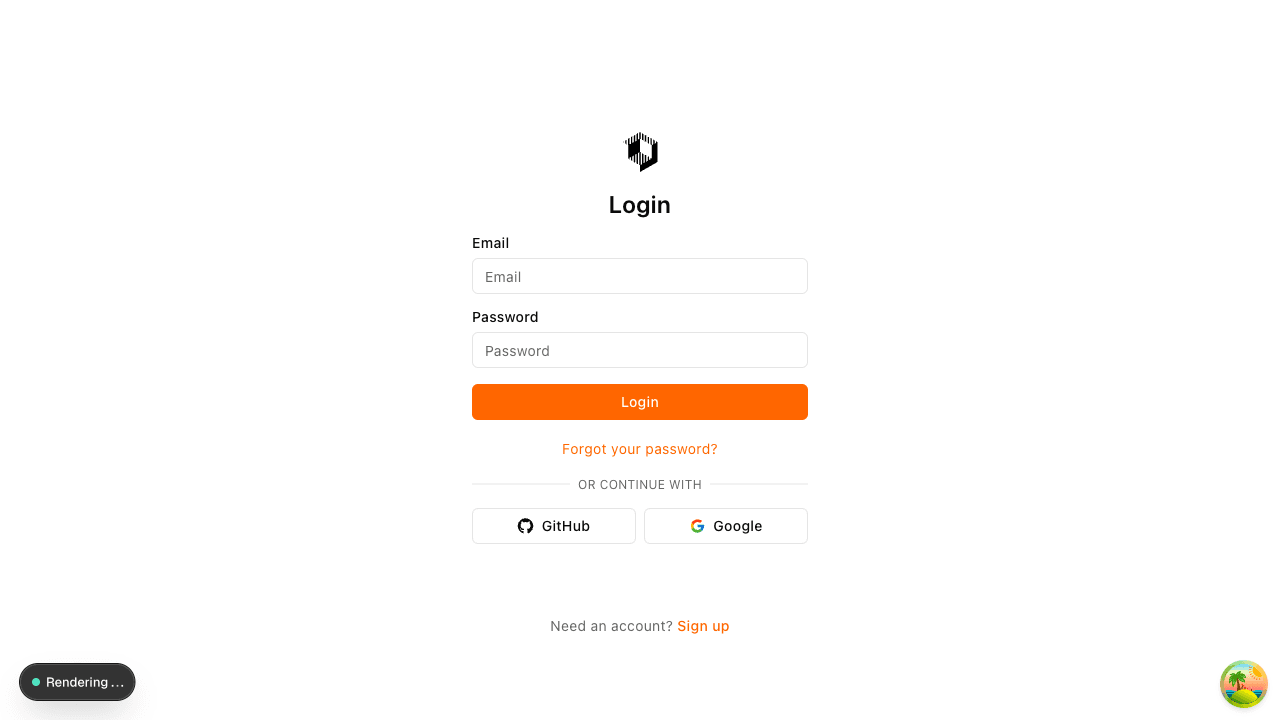
Option 1: Join an Existing Organization
If your organization already uses SenseiiWyze, you'll receive an invitation in one of two ways:
Via Email Invitation:
- Check your email for an invitation from your organization administrator
- Click the Accept Invitation link in the email
- Create a password for your account
- Complete your profile setup
Via Invite Code:
- Visit the SenseiiWyze signup page
- Enter the invite code provided by your organization
- Fill in your details (name, email, password)
- Your account will automatically be linked to your organization
Option 2: Create a New Organization
If you're setting up SenseiiWyze for your company:
- Go to senseiiwyze.com/auth/signup
- Enter your email address and create a password
- Verify your email address
- You'll be guided through the onboarding process to set up your organization
Account Requirements
- Email: Must be a valid email address you have access to
- Password: Minimum 8 characters, we recommend using a mix of letters, numbers, and symbols
- Name: Your full name as you'd like it displayed in the platform
Verifying Your Email
After creating your account, you'll receive a verification email. Click the link to confirm your email address. If you don't see the email:
- Check your spam or junk folder
- Wait a few minutes and refresh
- Request a new verification email from the login page
Trouble Signing Up?
- Invite code not working? Check with your administrator - codes can expire or be regenerated
- Email already in use? You may already have an account. Try the password reset option
- Not receiving emails? Ensure your email provider isn't blocking messages from SenseiiWyze
Next Steps
Once your account is created:
- Complete the onboarding process (if creating an organization)
- Set up your profile
- Explore the dashboard